Best Baby Monitors with Night Vision and Recording
How to choose a baby monitor that sees in the dark and keeps a record: non-Wi-Fi vs Wi-Fi, night vision, audio sensitivity, playback, battery life and classes.
A baby monitor is a night vision camera with a microphone in the quietest room of the house, which is why so many of the clips people send us come from one. Choosing a monitor for a nursery is mostly about safety and sleep, but if you also want a record of what happens overnight, a few features matter far more than the marketing suggests.
This guide separates the two main types, explains night vision and audio on a monitor, then lays out three product classes with search links. It does not recommend a specific model, because the market changes every season.
Non-Wi-Fi versus Wi-Fi
Non-Wi-Fi monitors send video directly from the nursery camera to a handheld parent unit over their own radio link. Nothing goes through your router or the internet. They are simpler, harder to intercept, and keep working when the broadband drops. The downside is range, which is usually enough for a house but not for the garden or the shop, and a small screen.
Wi-Fi monitors stream through your home network to an app on your phone. You can watch from anywhere, share access with a partner, and many record clips to the cloud. The trade-offs are dependence on the internet, subscription pressure for storage, and the need to secure the account properly, since a poorly protected Wi-Fi monitor is one of the few ways a stranger can genuinely watch or speak into a nursery.
Some households run both: a non-Wi-Fi unit by the bed for overnight monitoring, and a Wi-Fi camera for recording and remote checks. That is a reasonable setup if you want a record without giving up reliability.
What night vision looks like on a monitor
Every monitor in this category uses infrared LEDs and a monochrome mode after dark, like a security camera. The image will be black and white, brightest near the camera and greyer towards the far side of the cot.
On a small parent-unit screen, that picture is heavily downscaled, so detail is limited. You can see whether the child is on their back or front and whether they are moving. If you plan to review night footage, you want the recording to happen at the camera's full resolution, not at the parent unit's screen resolution.
Two things degrade monitor night vision quickly. The first is mounting too close to a wall or a white cot bumper, which bounces IR straight back and washes out the image. The second is a mobile or lamp shade between camera and child, which produces bright reflections and drifting shapes. Both are frequent sources of "something moved in the nursery" clips.
Audio sensitivity settings
The microphone on a monitor is paired with automatic gain, which boosts quiet rooms until the fridge in the kitchen becomes audible. Good monitors let you set a sensitivity threshold, sometimes called VOX or sound activation, so that the parent unit only opens up when the nursery passes a certain level.
Set the threshold so normal breathing and a white-noise machine stay below it and a cry comes through clearly. That gives you a quiet parent unit and, on recording monitors, cleaner event clips that start with a real sound rather than with hiss.
A visible sound-level meter on the parent unit or in the app lets you see that the room is quiet without listening to amplified silence, which is what produces most phantom whispers.
Recording and playback of night events
This is where monitors differ most. Traditional non-Wi-Fi units record nothing. Some newer ones record to a microSD card in the camera or the parent unit, saving motion or sound events. Wi-Fi monitors usually save short clips to the cloud when triggered, with continuous recording only on a paid plan or to a local card.
For reviewing a strange night, you want:
- A timeline you can scrub through, not just a list of clips.
- Clips that start several seconds before the trigger.
- The ability to download the full-resolution file, not a screen recording.
- Local storage that keeps working if the subscription lapses.
Nanit and similar premium Wi-Fi monitors have polished apps and sleep analytics, but recording is often tied to a plan. Cameras in the general security bracket, from brands like Eufy or TP-Link Tapo, often give you a microSD slot and continuous recording for less, at the cost of a less baby-specific app.
Temperature and cry detection
Most monitors report the nursery temperature, and some alert you when it drifts outside a range. That is useful in itself and doubles as a sanity check on a strange clip, since a room that dropped several degrees overnight had a window open or a heater off, which explains a great many moving curtains.
Cry, motion and breathing-movement detection are algorithmic. They alert on sound or pixel change, and misfire on fans, mobiles and pets. Treat them as reminders to look, not as a record of what happened.
Battery life on the parent unit
A non-Wi-Fi parent unit runs on a rechargeable battery. Screen-on time overnight is what matters, and larger screens drain faster. A unit that lasts a full night with the screen dimmed and VOX enabled is the goal. Keep it on its charging dock beside the bed if the battery cannot manage that.
For Wi-Fi monitors the parent unit is your phone, and the battery question becomes whether the app keeps a live stream running or only wakes on alerts. A constant stream will flatten a phone by morning.
Class one: non-Wi-Fi monitor with a 5-inch screen
The dependable choice for overnight monitoring. Closed radio link, a screen large enough to see position and movement, VOX with an adjustable threshold, and a battery that survives a night. VTech and Infant Optics are long-standing examples in this class. Recording is limited or absent, so pair it with a separate camera if you want a record.
## Class two: Wi-Fi monitor with app recordingA camera and app built for nurseries, with clips saved when sound or motion crosses a threshold, remote viewing and two-way talk. Good ones let you review a timeline and download clips. Check whether recording needs a subscription and whether the camera holds a local buffer when the internet drops. Secure the account with a unique password and two-factor authentication on day one.
## Class three: nursery camera with local microSDA general-purpose indoor camera set up as a nursery monitor. It records continuously to a microSD card, so the full night is available without a plan, and most support two-way talk and sound alerts. You give up the dedicated parent unit and baby-specific features. For anyone whose main aim is complete footage of the room overnight, this class is often the best value.
## A note on placement and privacyMount the camera high, angled down, away from white walls, and out of the child's reach with the cable secured. Keep the IR lamps a metre or more from anything reflective. Tell anyone who will be in the room, including babysitters, that it records.
The monitor is there for the child. If it also captures a curtain moving in a way you cannot explain, you now know to save the file, check the temperature log, and look for the mobile above the cot before looking anywhere stranger.
Tags: gear, baby-monitor, night-vision, recording. Some gear boxes link to store searches; if an affiliate tag is configured we may earn a small commission at no cost to you. Recommendations are not paid for.
More guides
Doorbell Cameras and Phantom Motion Alerts: What Triggers Them
Sep 4, 2026
How to Export and Keep Original Footage So It Holds Up
Sep 3, 2026
Best Budget Indoor Cameras That Record in the Dark
Sep 1, 2026
Now apply it to a real clip
Archive →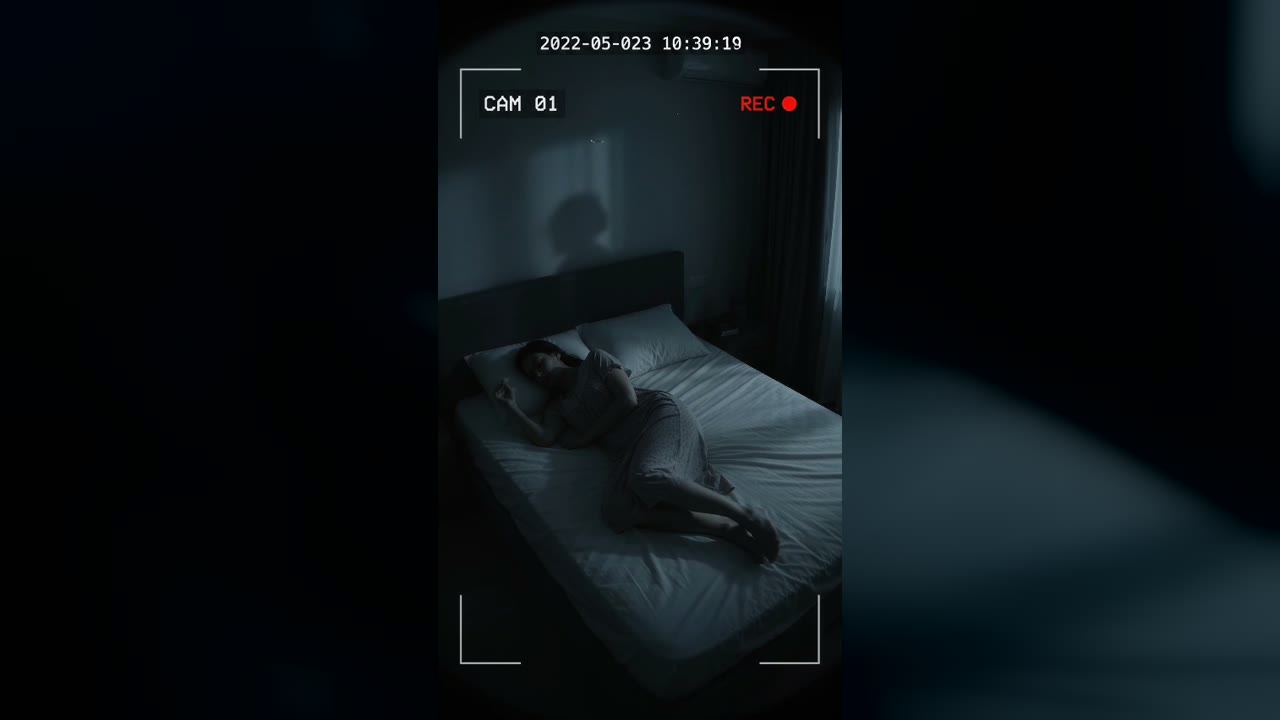
Bedroom Cam From 2022 Shows a Shadow Figure on the Wall Before the Feed Cuts to Static
Marlow Bend, Ontario, Canada · May 23, 2022 · 10:38 PM
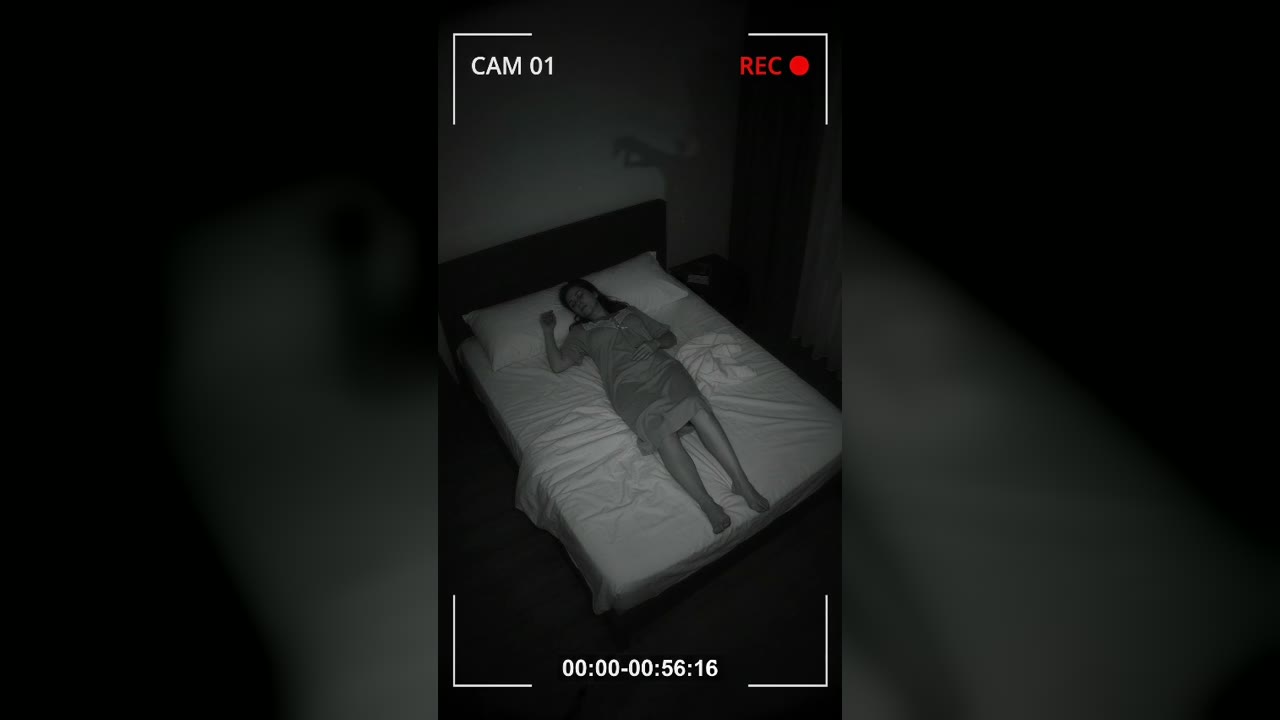
Bedroom Cam Records a Shadow Hand Above a Sleeping Woman's Headboard
Halberd Creek, Oregon, USA · Aug 27, 2026 · 03:14 AM