How to Export and Keep Original Footage So It Holds Up
How to download camera clips before they expire, keep the original file and metadata intact, back it up and share it for review without editing anything.
The most common reason a strange clip cannot be assessed is not that it is too strange. It is that the original is gone. The app deleted it, the phone compressed it, someone screen-recorded it, and what is left is a fuzzy copy of a copy with a caption over the interesting part.
This guide is about keeping the file in a state where someone can actually look at it later, whether that someone is you in a month, a friend who knows cameras, or the police. None of it is complicated. All of it needs to happen before the footage expires.
Download from the app before it expires
Every cloud camera service keeps event clips for a limited window, from a day or two on free tiers to a few weeks on paid ones. Local microSD cards overwrite the oldest footage when full, which on continuous recording can be a matter of days. Assume the clock is running from the moment you notice something.
Open the event in the app and find the download, save or export option. Save it to your phone's storage, not just to the app's own gallery. Then check that the file appears in your phone's files app with a sensible size. A ten-second 1080p clip should be several megabytes. If it is a few hundred kilobytes, you have a preview, not the recording.
If the camera records to microSD, take the card out and copy the whole card to a computer. The card usually holds continuous footage from either side of the event, in the camera's native format, at full resolution. That is the best source you will ever have.
Keep the original file and its metadata
The file the camera wrote carries information beyond the pictures: its resolution, frame rate, codec, container timestamps, and sometimes the camera model. All of that helps anyone reviewing it to work out what the camera could and could not have captured.
Every time the file passes through an app, a messaging service or a social platform, some of that is stripped and the video is re-compressed. So the rule is simple: the first downloaded file is the original, and it is never modified. Copy it, and work on the copies.
Name the original clearly and leave it alone. A pattern like 2026-09-03_hallway-cam_0312.mp4 will save you a lot of searching later. Do not rename the file inside the app, since some apps re-export on rename.
Do not re-share the screen recording as the original
Screen recording the app is the fastest way to get a clip out, and there is nothing wrong with it for a quick "look at this". The problem starts when the screen recording becomes the only copy, or is passed on as though it were the camera's file.
A screen recording captures the app's playback at your phone's screen resolution and frame rate, on top of whatever compression the app already applied. It adds the app's interface, hides the true timestamp behind the app's own, and often drops frames. Stepping through it frame by frame tells you about your phone, not about the camera.
If you have already shared a screen recording, that is fine. Go back and download the real file too, and label the two clearly so nobody confuses them.
Back up to two places
One copy on a phone is not a backup. Phones get lost, wiped and upgraded, and apps quietly clear their caches. Put the original file in at least two locations that do not depend on each other:
- A computer or an external drive at home.
- A cloud drive under your own account.
- An email to yourself with the file attached, if it is small enough.
- A second card or USB stick kept somewhere other than next to the camera.
Do not rely on the camera company's cloud as one of the two. That is the storage most likely to expire or change terms. Check both copies open and play before you delete anything from the phone.
Write down the context while you remember it
A clip on its own is nearly useless. The details around it are what make it possible to explain, and they fade within days. Write a short note and keep it with the file. Include:
- The camera make and model, and the app version if it is a Wi-Fi camera.
- Where the camera is mounted, how high, which way it faces, and what is directly in front of it.
- Night-vision settings: automatic or forced IR, any spotlight, motion sensitivity, and any motion zones.
- The date and time of the event as shown on the overlay, and the camera's clock compared with your phone.
- Who was home, whether any pets were loose, which doors and windows were open, and what the weather was doing.
- Whether anything similar has happened before on that camera.
Take a daytime photo of the room from the camera's position and another of the camera itself in its mount. These two photos answer most of the questions a reviewer will ask.
Share a clip for review without editing it
When you want a second opinion, the aim is to get the unedited original in front of someone in a form that plays reliably. A few approaches work well:
Unlisted video upload. Upload the original file to a video platform as unlisted, so only people with the link can see it. The platform will re-compress it, so this is for viewing, not for analysis, but it is easy for anyone to watch on a phone. Add the context note in the description.
Cloud link. Put the original in a cloud folder and share a link. This preserves the actual file so the reviewer can download it and step through frames in a proper player. Set the link to view-only.
Direct transfer. For a trusted reviewer, a large-file transfer service or a USB stick handed over in person gives them exactly what you have.
What not to do: do not trim the clip to "just the good bit", add slow motion, brighten it, circle the shape, or add music. All of these destroy information, and a reviewer who receives an edited clip will reasonably ask for the original anyway. If you want to point at something, send a separate screenshot with an arrow and keep the video untouched.
A short routine
The whole thing, in order:
- Download the original from the app or copy the card, today.
- Check the file size is realistic.
- Name it with date, camera and time, and never edit that file.
- Copy it to two independent places.
- Write the context note and take two photos.
- Share via a cloud link or an unlisted upload, with the note.
The case files on this site are dramatised for entertainment, but the reason a handful of clips could be written up at all is that someone did the above before the footage vanished. Most clips that come in have skipped step one, and there is nothing anyone can do with those but shrug.
Tags: how-to, evidence, export, backup. Some gear boxes link to store searches; if an affiliate tag is configured we may earn a small commission at no cost to you. Recommendations are not paid for.
More guides
Doorbell Cameras and Phantom Motion Alerts: What Triggers Them
Sep 4, 2026
Best Baby Monitors with Night Vision and Recording
Sep 2, 2026
Best Budget Indoor Cameras That Record in the Dark
Sep 1, 2026
Now apply it to a real clip
Archive →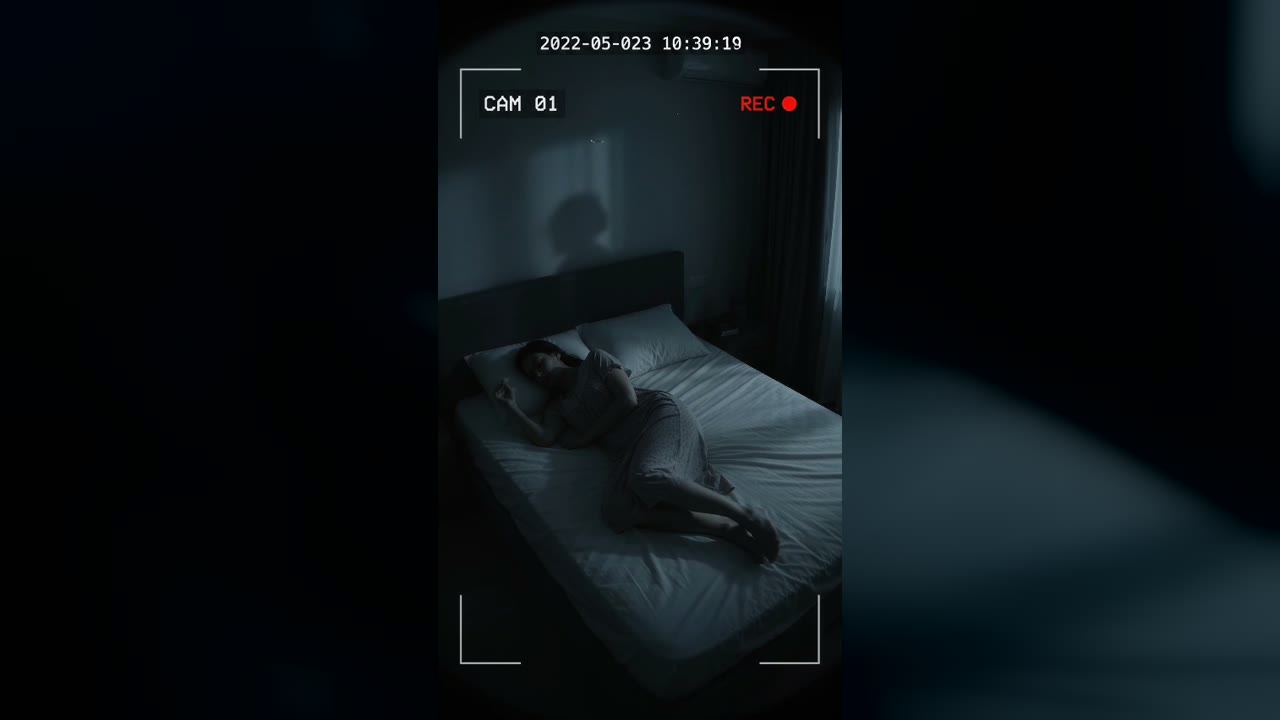
Bedroom Cam From 2022 Shows a Shadow Figure on the Wall Before the Feed Cuts to Static
Marlow Bend, Ontario, Canada · May 23, 2022 · 10:38 PM
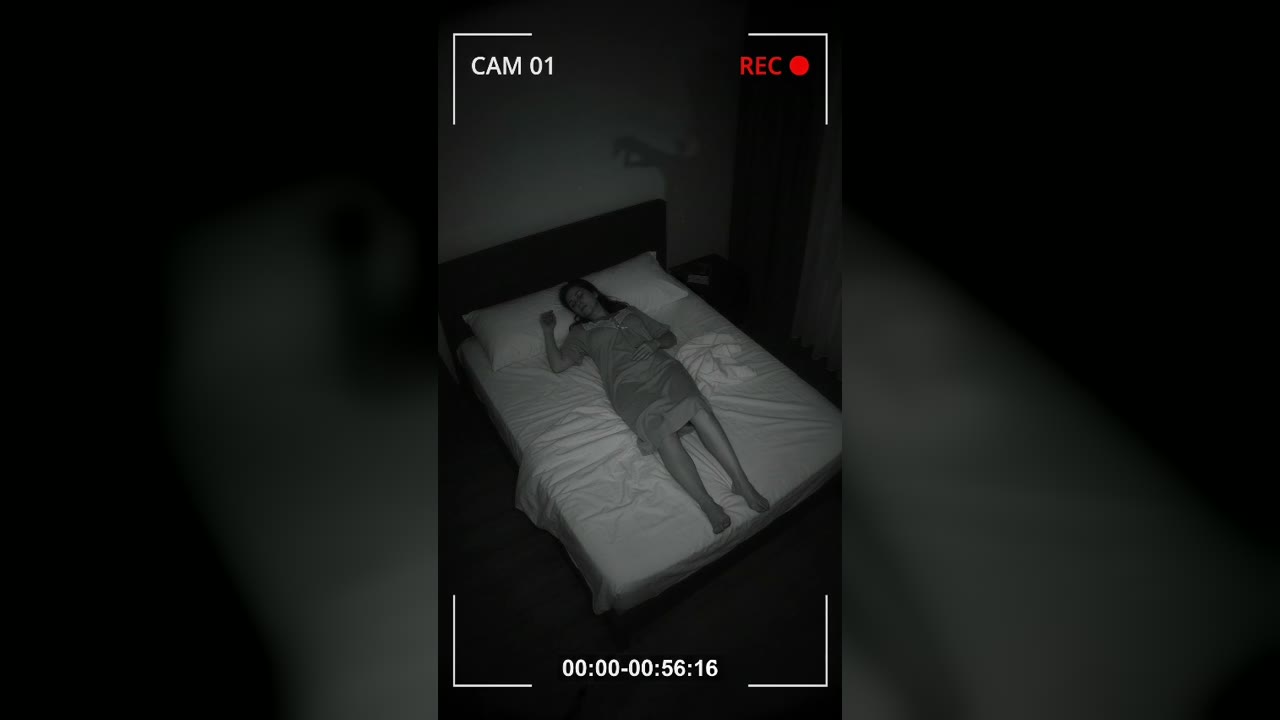
Bedroom Cam Records a Shadow Hand Above a Sleeping Woman's Headboard
Halberd Creek, Oregon, USA · Aug 27, 2026 · 03:14 AM