Doorbell Cameras and Phantom Motion Alerts: What Triggers Them
Why doorbells send motion alerts with nobody there: PIR heat sensing, insects, IR bounce, headlights, wind in plants, and how to trace a repeat 3 a.m. alert.
A motion alert at three in the morning, a clip of an empty porch, and nothing in it but the faint sense that something just left the frame. Video doorbells produce this experience more than any other device, because of how they decide that "motion" has occurred.
This guide explains what the doorbell is actually detecting, the handful of things that set it off at night, and a step-by-step routine for tracking down a repeat alert. The point is not that nothing is ever there. It is that the doorbell cannot tell a person from a moth until you make it.
What a doorbell means by motion
Most video doorbells use two different detectors, and an alert can come from either.
The first is a passive infrared sensor, or PIR. This is the same component used in burglar alarms and automatic lights. It does not see shapes. It detects a change in the pattern of heat across a few wide zones in front of the door. Anything warmer or cooler than the background moving across those zones trips it: a person, a cat, a warm car exhaust, a patch of sunlight, or air from a heating vent.
The second is pixel-based detection in the video itself. The camera compares frames and flags a region where enough pixels changed. That catches things with no heat at all, such as shadows, headlights and moving leaves. Many doorbells combine the two and add a person-detection model on top, but the model runs on the same noisy pictures and misfires readily at night.
Battery doorbells lean on PIR to save power. Wired ones often lean on video analysis. Knowing which yours uses narrows the search.
Insects and spider webs on the lens
At night the doorbell's infrared LEDs switch on, and the lens becomes the warmest, brightest thing on the porch. Moths and other insects orbit it. A moth passing a few centimetres from the lens is huge, bright and blurred in the frame, and it changes enough pixels to trigger detection instantly.
Spiders are worse because they stay. A web strung across the corner of the housing catches the IR light and glows. Every breath of wind moves it, and the doorbell fires again. A single strand that is invisible in daylight can produce dozens of alerts a night and looks, in the clip, like a pale line or a smudge drifting in and out of frame.
Wipe the lens and housing weekly in summer, and check the frame edges in the clip for a bright line or dot that reappears in the same place.
Infrared bounce off a white door or porch ceiling
The IR lamps light everything in front of the camera, and pale surfaces close by throw that light straight back. A white front door opposite, a light-painted porch ceiling, a glossy letterbox or a glass panel beside the door all produce bright patches that flatten the picture and push the exposure down.
Once the exposure drops, the rest of the scene becomes darker and noisier, and small changes in that noise look like motion to the detector. The doorbell also hunts between exposure levels when a bright reflection is in frame, and each hunt shifts every pixel at once.
If the doorbell faces a pale wall or is under a low white ceiling, angle it slightly away using a wedge mount, or move it so the near reflective surface is out of the frame.
Headlights and shadows from passing cars
A car passing the house sweeps its headlights across the porch. The beam moves across the wall, every shadow on the porch swings with it, and for a second or two the whole frame is in motion. Pixel-based detection fires every time.
PIR sensors respond to headlights too, less reliably, because the beam carries a little heat. Doorbells facing the road, or a wall lit by it, alert more on nights with traffic.
The clip signature is unmistakable: a bar of light slides across the scene, the shadows all move in one direction, and there is nothing there once the light has gone. If a shadow in one of these clips looks like a figure, step through the frames and watch it stretch and snap off as the car passes.
Wind moving plants
Hanging baskets, shrubs, climbing plants, flags and loose bunting all move in wind and trigger video motion. At night they are lit by IR, so a leaf near the camera becomes a large pale shape swaying in and out of the frame.
Plants also affect the PIR. Foliage holds a different temperature from the wall behind it, and a branch swinging across a PIR zone looks like a warm body passing.
Look at the alerts against the weather. If alerts cluster on windy nights and vanish on still ones, the plant is your answer, and either trimming it or adjusting the motion zone will fix it.
Motion zones and sensitivity settings
Every doorbell app lets you draw the areas of the frame that should count for motion and set how sensitive the detection is. Most ship with the whole frame active and sensitivity at a default tuned never to miss a delivery driver, which makes them trigger-happy.
Draw the zone to cover the path and the doorstep and exclude the road, the neighbour's hedge and the sky. Lower the sensitivity one notch at a time and test by walking up to the door yourself. If your doorbell has a person-only mode, use it, but do not treat it as infallible.
Battery doorbells often have a separate PIR range setting. Reducing it stops the sensor reacting to the pavement and the road.
Tracking down a repeat 3 a.m. alert
When the same alert comes night after night at the same hour, do this in order.
- Save the clips. Download three or four nights' worth of the alert clip before they expire, and note the exact time of each.
- Find the pattern. Look for what is the same in each clip: a light sweeping in, a shape in the same corner, a change in overall brightness. Note which detector fired if the app tells you.
- Match the time to a cause. A regular 3 a.m. event is usually something scheduled: a neighbour's light on a timer, a street light cycling, a heating system starting, a refuse vehicle, a cat on its route.
- Check the lens and housing. Clean them, and look closely for webs at the frame edges.
- Watch the scene live at that hour. One night of standing at the window when the alert comes will usually show you the cat, the car or the light.
- Adjust one thing. Change the motion zone, the sensitivity or the angle. Wait two nights. Then change the next thing if needed.
- Keep what you found. If the alert stops after a change, that change was the cause. Write it down so you do not repeat the search next summer.
When it is not a false alert
Sometimes a night-time alert is a person, and that is the reason the doorbell exists. Real people do things the artefacts above do not: they cast a shadow on the ground, they enter from one edge of the frame and leave from another, they move at a walking pace, and they usually appear on a neighbour's camera as well.
If a clip passes those checks, treat it as a person and act accordingly. The doorbell clips in the case files on this site are dramatised, and most of those submitted to us turned out to be one of the causes above. The rest were dealt with by a call to a neighbour and a better lock.
Tags: doorbell, motion-alerts, pir, skeptic. Some gear boxes link to store searches; if an affiliate tag is configured we may earn a small commission at no cost to you. Recommendations are not paid for.
More guides
How to Export and Keep Original Footage So It Holds Up
Sep 3, 2026
Best Baby Monitors with Night Vision and Recording
Sep 2, 2026
Best Budget Indoor Cameras That Record in the Dark
Sep 1, 2026
Now apply it to a real clip
Archive →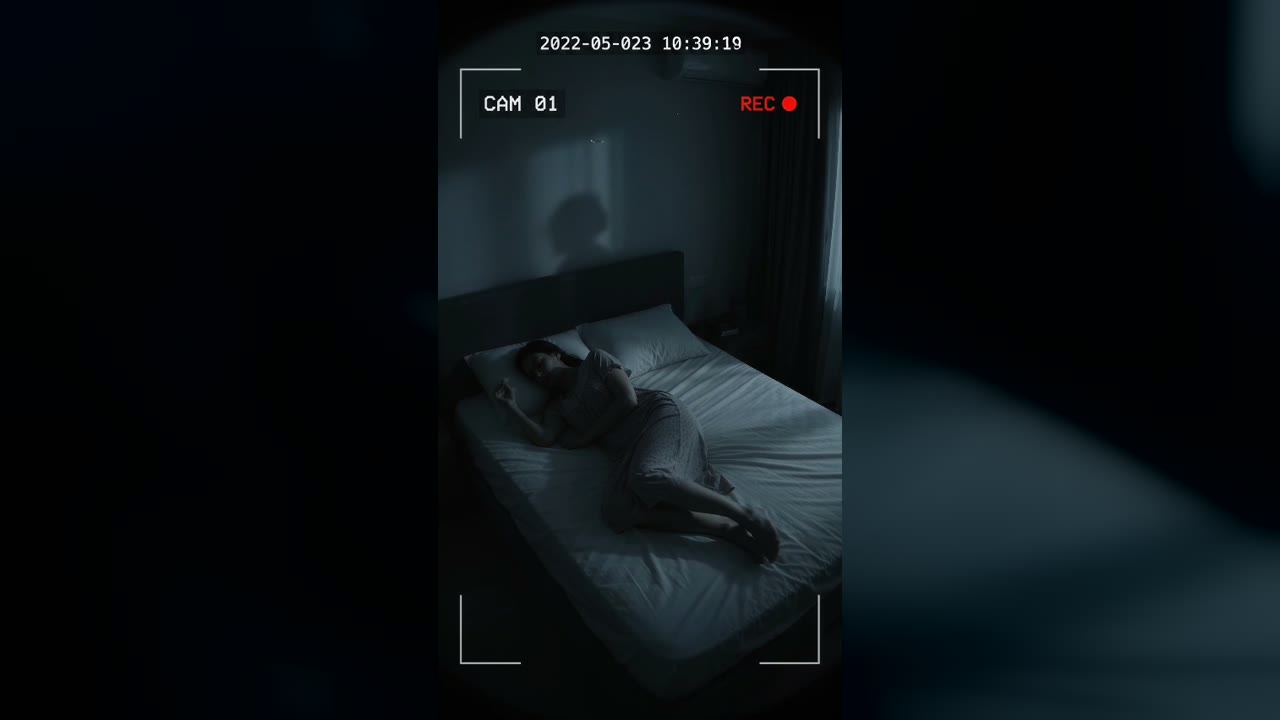
Bedroom Cam From 2022 Shows a Shadow Figure on the Wall Before the Feed Cuts to Static
Marlow Bend, Ontario, Canada · May 23, 2022 · 10:38 PM
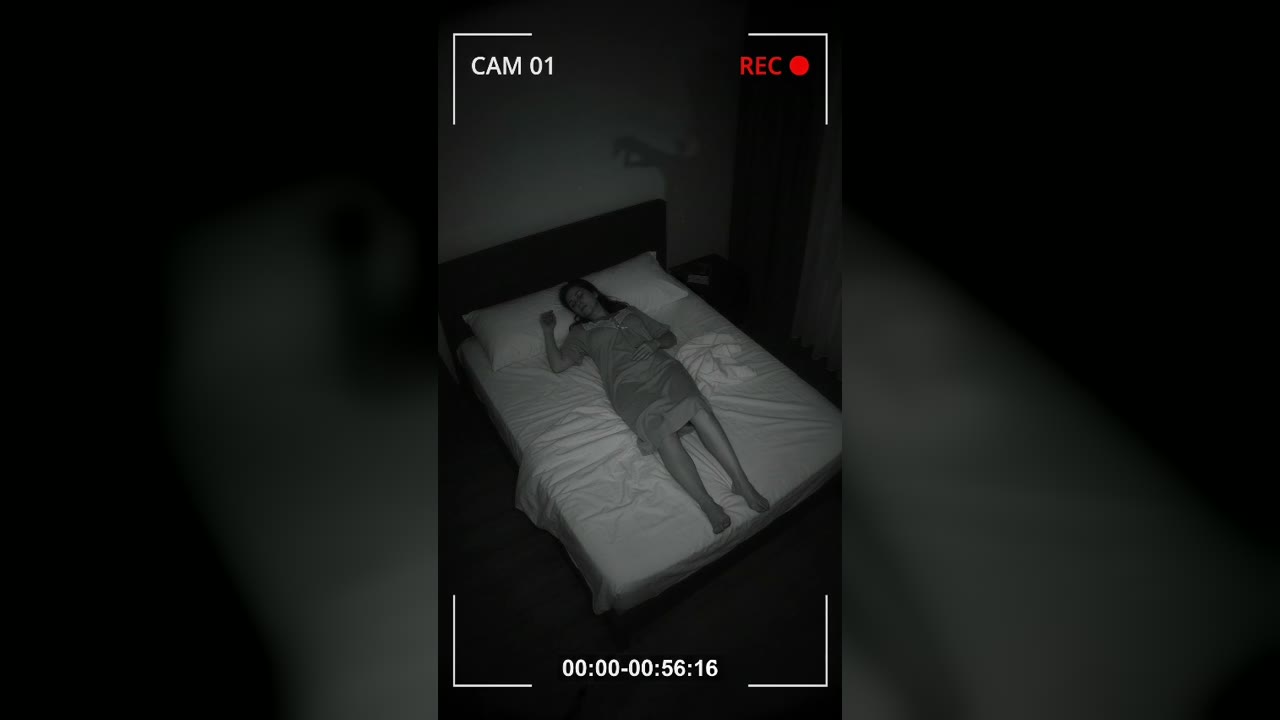
Bedroom Cam Records a Shadow Hand Above a Sleeping Woman's Headboard
Halberd Creek, Oregon, USA · Aug 27, 2026 · 03:14 AM