Dashcam Ghost Figures Explained: Reflections and Frame Blending
Why dashcams record figures on empty roads: cabin reflections, headlight flare, low frame rates, motion blur, dark-clothed pedestrians and driver reflections.
Dashcam clips of a pale figure standing at the roadside, or crossing in front of the car and vanishing, circulate constantly. The camera is mounted behind a curved sheet of glass, pointed at bright lights on a dark background, recording at a modest frame rate while the whole scene moves. It is hard to imagine a setup better designed to produce ghosts.
This guide goes through the main mechanisms one at a time, then explains the checks that separate a real person on the road from an artefact of the glass and the sensor. Real pedestrians are the outcome that matters, so those come last and get the most attention.
Windshield reflections of the cabin
The windshield is a large, angled, partially reflective surface, and the dashcam sits right behind it. Anything in the cabin that is lit will reflect off the inside of the glass and appear superimposed on the road ahead.
The usual sources are the dashboard display, the infotainment screen, a phone in a cradle, the dashcam's own status LED, and at night the instrument cluster. A phone screen lighting up with a notification produces a bright rectangle that appears to hover over the road for a few seconds and then fade. A dashboard warning light produces a small orange or red point that tracks with the car.
Reflected objects share a distinctive behaviour: they do not move with the road. As the car turns, the road swings across the frame but the reflection stays fixed relative to the car. A figure that holds its position on screen while everything else slides past is almost always a reflection.
The driver's own reflection
If the camera is angled slightly inward, or the car has a steeply raked windshield, the driver or passenger can appear as a faint translucent figure in the top corners of the frame. On a dark road with no oncoming lights, that reflection can be the brightest thing in the sky area, lit from below by the dashboard.
The reflection moves when the person moves, which is what makes it uncanny. A driver leaning to check a mirror produces a figure that leans towards the road. A passenger turning to look out of a side window becomes a face turning away.
Cabin cameras, which record the interior on a second lens, add the reverse case. They see the driver plus the driver's reflection in the side and rear windows, and at night the IR lamps make those reflections sharp. A "second passenger" on a cabin cam is very often the driver reflected in the rear glass.
Headlight flare and lens ghosting
A dashcam lens is small, cheap and often dirty. When a bright light such as an oncoming headlight or a streetlamp enters the frame, it scatters inside the lens and produces flare: streaks, halos and a series of faint copies of the light source spread across the image in a line through the centre of the frame.
Those copies are called ghosting for a reason. A pair of headlights can produce a pair of faint ovals on the opposite side of the frame, roughly the size and spacing of eyes or a face. As the real lights move, the ghosts move in the opposite direction, which looks like something crossing the road.
Tinted windshields, sun-strip film, cracks, wiper smears and a film of grime on the inside of the glass all multiply the effect. If the figure appears whenever a bright light is in frame and vanishes when the light leaves, it is flare.
Low frame rates and motion blur
Most dashcams record at around 30 frames per second, and some drop lower in low light to keep the exposure up. At speed, everything at the roadside moves a long way between frames, and the sensor is holding each frame open long enough for objects to smear.
A road sign, a bollard, a bin bag or a bush caught at the edge of the headlight beam becomes a vertical streak with a lighter top and darker base. Played at full speed, the brain reads that as a standing figure. Paused on a single frame, it usually becomes obviously a post or a bush, because the smear has a hard edge on the side the light hit it.
Frame blending compounds this. When the camera or the app converts between frame rates, it may mix two adjacent frames into one. An object that was in two positions becomes a single semi-transparent shape in both places at once, with a gap between. That gap is where the "figure" appears to be floating.
Pedestrians in dark clothing at the edge of the beam
This is the case that matters most, because it is the one that can hurt someone. A person in dark clothing standing just outside the main headlight beam is lit only by scatter. The camera's automatic exposure is set for the bright road ahead, so the person records as a very dim shape with no detail, appearing suddenly when the beam reaches them and disappearing once the car passes.
On a clip, this looks exactly like a figure materialising and vanishing. In reality it is the limit of what the camera can see, and it is also the limit of what your eyes could see from the driver's seat. Take it seriously. If a clip shows a possible person on a road where you would not expect one, check whether there is a bus stop, a lay-by or a footpath there in daylight.
The tell is that a real pedestrian moves with the road, not with the car. Their position on screen changes as you pass in the way a fixed object's does, and if they are walking their limbs show a walking rhythm across several frames.
How to check a dashcam clip
Work through these before deciding anything.
- Compare front and rear cameras. If the car has a rear or cabin lens, see whether the same object appears there. A real roadside object passes from the front view to the rear view. A reflection or flare appears in one lens only.
- Look at the frames before and after. Step through at 0.25x and frame by frame. Find the first frame where the shape appears and the last where it is visible. Watch what else changed at those moments: a headlight entering frame, a phone lighting up, a turn in the road.
- Check whether it moves with the car or the road. Reflections and flare stick to the car. Real objects move with the road.
- Check for a shadow and for light on the ground. A real person in the beam casts a shadow and brightens the road around their feet. Reflections and flare do not.
- Inspect the glass. Look for smears, film, tint strips and stickers in the area of the frame where the shape appeared.
- Drive the same road in daylight. Find the sign, bush or bollard that matches the position.
If a shape passes every one of those checks and still looks like a person, treat it as a person and report it if the road is one where someone could be at risk.
What dashcam clips are good for
A dashcam is a good witness to accidents and a poor witness to the roadside at night, and that is fine, because that is what it is for. The cases on this site that involve dashcams are dramatised, and each one hinged on a moment where a reflection or a smear did something a figure would do. Once you have seen a few, they stop being unsettling and start being a reminder to clean the inside of the windshield.
Tags: dashcam, reflections, motion-blur, skeptic. Some gear boxes link to store searches; if an affiliate tag is configured we may earn a small commission at no cost to you. Recommendations are not paid for.
More guides
Doorbell Cameras and Phantom Motion Alerts: What Triggers Them
Sep 4, 2026
How to Export and Keep Original Footage So It Holds Up
Sep 3, 2026
Best Baby Monitors with Night Vision and Recording
Sep 2, 2026
Now apply it to a real clip
Archive →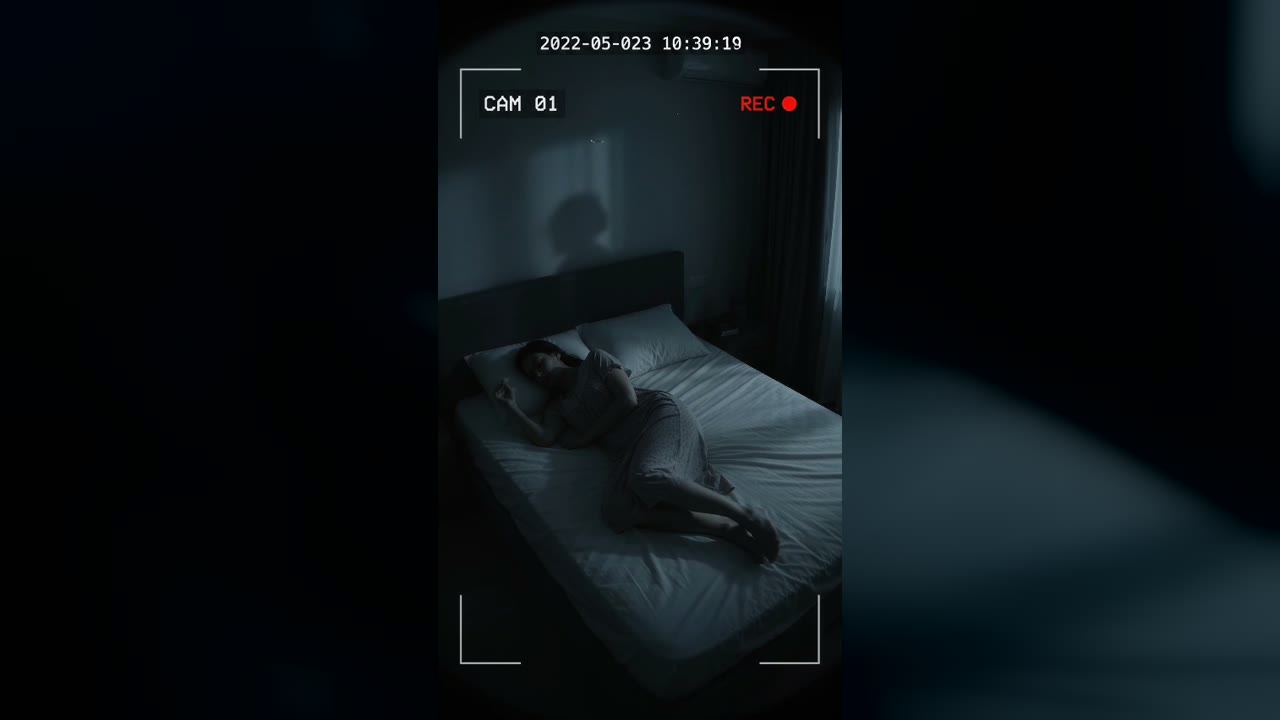
Bedroom Cam From 2022 Shows a Shadow Figure on the Wall Before the Feed Cuts to Static
Marlow Bend, Ontario, Canada · May 23, 2022 · 10:38 PM
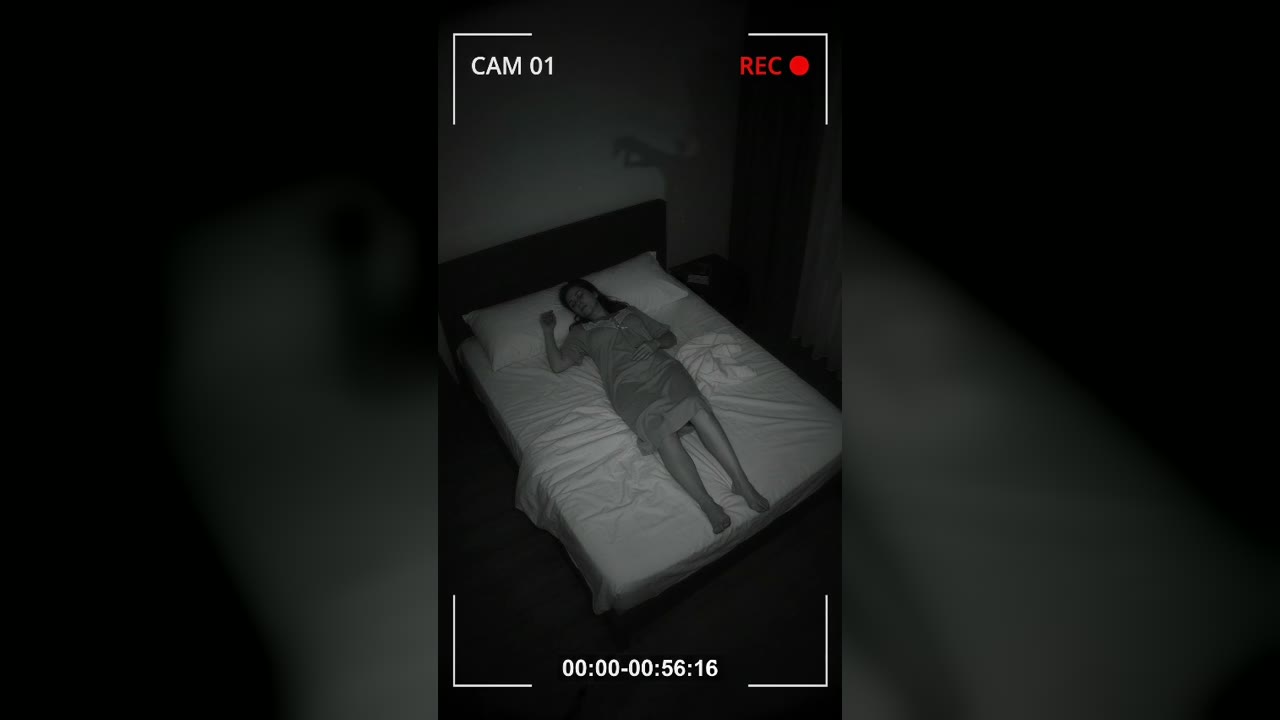
Bedroom Cam Records a Shadow Hand Above a Sleeping Woman's Headboard
Halberd Creek, Oregon, USA · Aug 27, 2026 · 03:14 AM