Five Things to Check Before You Call Your Footage Paranormal
A practical checklist for strange security camera clips: keep the original, check the clock, find a physical cause, compare nights and step through frames.
You have a clip. Something in it moved, or a shape appeared, or a door seems to have shifted on its own. Before you send it to anyone, including us, work through the steps below in order. Most clips fall over at step two or three. The few that survive all five are the ones worth talking about.
The steps are arranged so that each one costs you nothing but a little time, and none of them damages the footage. Do them in sequence and write down what you find as you go.
1. Secure the original file first
Everything else depends on this. Camera apps delete event clips on a rolling schedule, sometimes within days, and a screen recording of the app is not the same thing as the file the camera wrote.
Open the app, find the event, and use its download or export function to save the actual clip to your phone. Then copy that file, unchanged, to at least one other place: a computer, a cloud drive, an email to yourself. Do not trim it, do not add a caption, do not run it through a filter. Name the copy with the date and camera so you can find it later.
If the camera has a microSD card, take it out and copy the entire contents to a computer before the card overwrites itself. The card often holds continuous recording from before and after the event, which the app never shows you.
2. Check the timestamp and the camera's clock
Open the clip and look at the overlay. Then go into the camera's settings and compare its clock against your phone. Cheap cameras drift by minutes, lose their time zone after a power cut, or fail to adjust for daylight saving.
This matters because the time of an event is usually the first thing people build a story around. "It happened at exactly 3:00 a.m." is a lot less interesting if the camera's clock is running eleven minutes fast. Check the file's own created and modified dates as well, since they come from a different clock and should roughly agree with the overlay.
Note down both times, and the difference between them, before you go any further.
3. Look for a physical cause in the room
Go and stand where the camera is pointing, at the same time of night if you can, with the lights the way they were. Look for anything that could have moved or reflected light. The usual suspects:
- Pets, including ones you thought were shut in another room.
- Ceiling fans, desk fans and heating vents that stir curtains, paper and dust.
- Curtains and blinds near a window that is not quite closed.
- Glass, mirrors, glossy paint, TV screens and picture frames that bounce the camera's infrared lamps back at it.
- Windows facing a road, where headlights sweep across the wall.
- The camera's own mount, if it is on a shelf that flexes when the boiler kicks in or a lorry passes.
- Insects near the lens, which appear as large bright blobs.
Try to reproduce the effect. Wave a hand near the lens, open the curtain a crack, switch the hall light on and off. If you can make the same shape appear on demand, you have your answer.
4. Compare with other nights
A single clip has no context. Pull up the same camera at the same hour on two or three other nights. Look for the same shape, the same flicker, the same shift in brightness.
Artefacts caused by the camera or the room tend to be repeatable. A reflection from the street light will be there every clear night. A moth will come back to the warm LED ring more than once. A compression glitch in the dark corner will show up whenever the room is at that light level.
If the strange thing happens on several nights in the same place, it is almost certainly environmental. If it happened once and never again, that tells you something too, though not what you might hope: one-off events are the hardest to explain and the easiest to over-interpret.
5. Step through frame by frame at 0.25x
Play the clip at quarter speed, then pause and use the frame-step controls. Most phone video players have them. VLC on a computer is better, and it will also show you the frame rate and resolution of the file.
At full speed, the brain fills in gaps and joins separate blobs into one moving thing. At 0.25x, and especially frame by frame, you can see what is really there. Watch for:
- A shape that dissolves into grain when paused. That is noise.
- A shape that jumps rather than moves, appearing in one place then another with nothing between. That is usually compression or a dropped frame.
- A shape that gets larger as it moves towards the camera, in a way that no object in the room could. That is something small and very close to the lens.
- A light that sweeps in one direction and vanishes. That is external light.
Take screenshots of the key frames as you go. They are easier to share and compare than the video.
Ask a neutral person to watch it cold
This is the step people skip. Show the clip to someone who does not know what you think is in it, and do not tell them where to look. Ask them what they see.
If they point at the same thing without prompting, the thing is at least visibly there. If they see nothing until you point it out, you may be looking at a pattern your own expectation has drawn on the screen. Both outcomes are useful, and neither one means anything more than what it says.
What to do next if nothing explains it
Sometimes you get through all five steps and the boring explanations have not held. That does not mean the clip shows anything supernatural. It means you do not know yet, which is a perfectly respectable place to be.
Here is what to do at that point:
- Write a plain account of the night: who was home, which doors were locked, whether any pets were loose, what the weather was doing.
- Record the camera model, its mounting position, its night-vision settings and the app version.
- Keep the original file and its copies untouched. Do not edit, enhance or add music.
- If you want a second opinion, share the unedited file through an unlisted video link or a cloud folder, not a screen recording sent through a messaging app.
If you decide to submit it to a site like this one, include all of the above. A clip with a written account, a matching timestamp and two other nights for comparison is worth a hundred that arrive as a ten-second screen grab with "what is this??" underneath. The case files here are dramatised for entertainment, but the checklist above is how each of them was screened before anyone wrote a word about them.
Tags: checklist, how-to, evidence, skeptic. Some gear boxes link to store searches; if an affiliate tag is configured we may earn a small commission at no cost to you. Recommendations are not paid for.
More guides
Doorbell Cameras and Phantom Motion Alerts: What Triggers Them
Sep 4, 2026
How to Export and Keep Original Footage So It Holds Up
Sep 3, 2026
Best Baby Monitors with Night Vision and Recording
Sep 2, 2026
Now apply it to a real clip
Archive →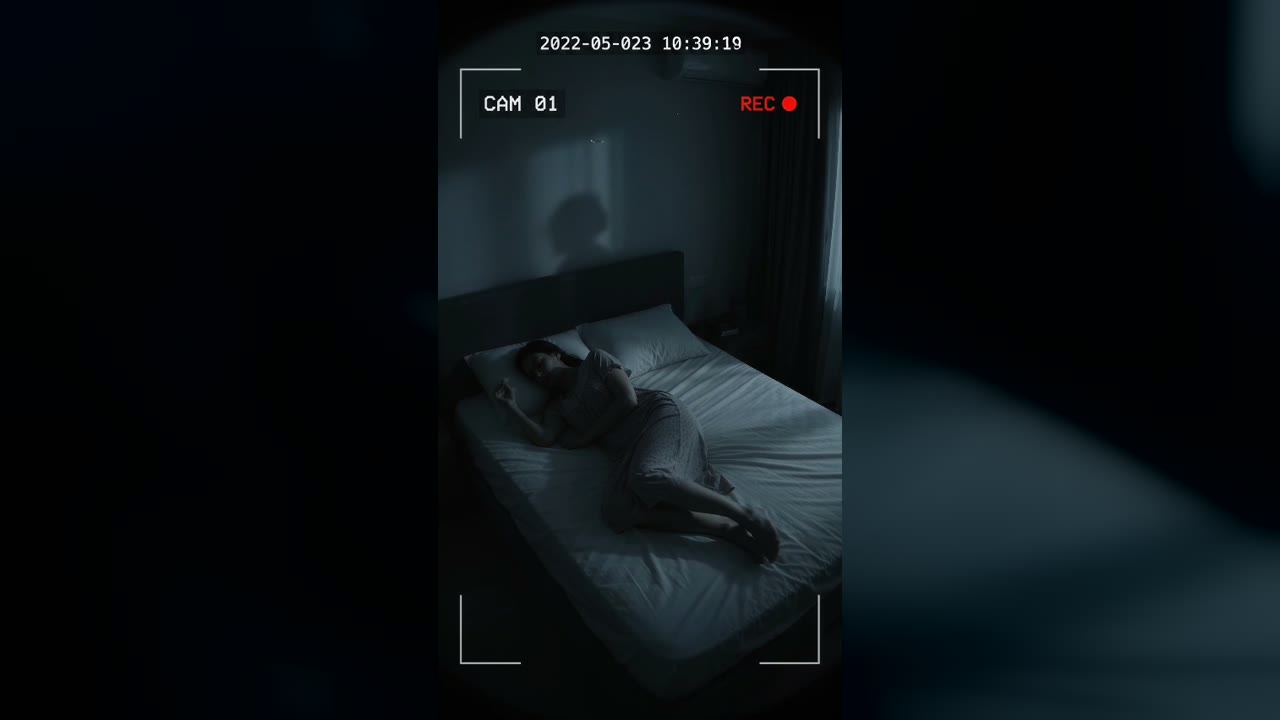
Bedroom Cam From 2022 Shows a Shadow Figure on the Wall Before the Feed Cuts to Static
Marlow Bend, Ontario, Canada · May 23, 2022 · 10:38 PM
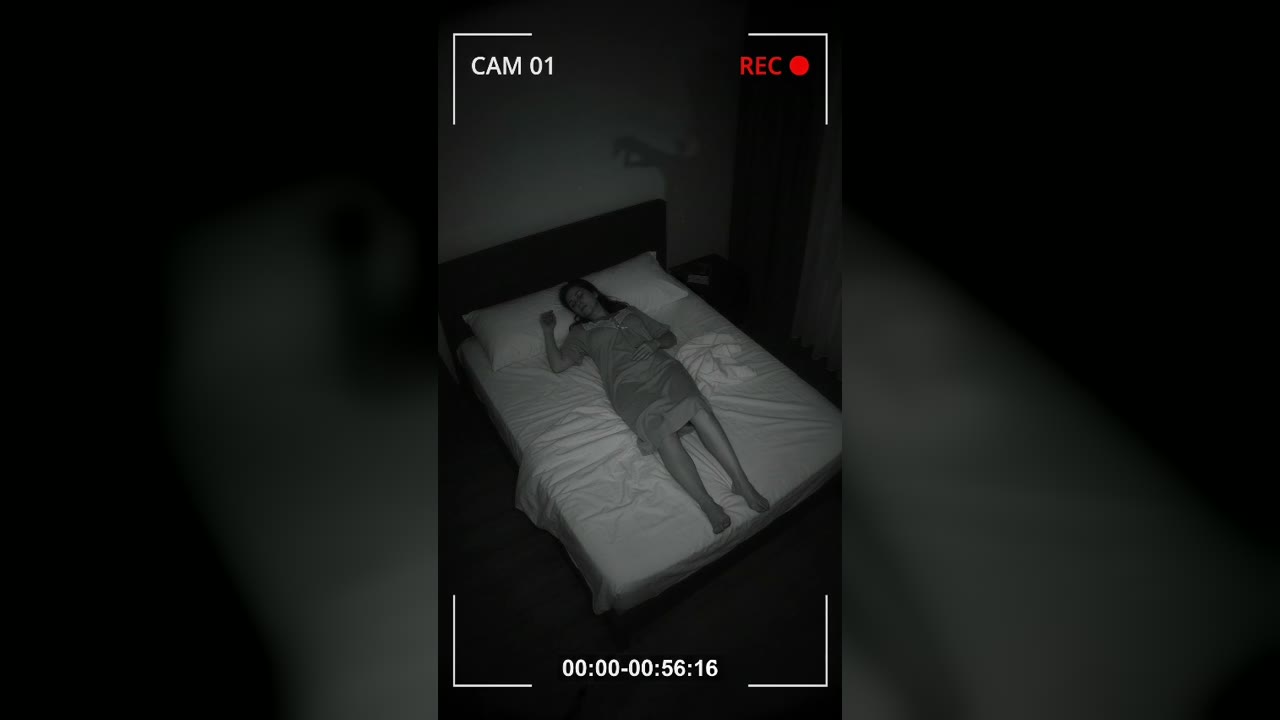
Bedroom Cam Records a Shadow Hand Above a Sleeping Woman's Headboard
Halberd Creek, Oregon, USA · Aug 27, 2026 · 03:14 AM