How Night Vision Cameras Create Shadows That Are Not There
Infrared cameras invent shapes all the time. How IR lighting, dust, reflections, rolling shutter and compression turn nothing into a figure in your footage.
Most of the unsettling clips people send us were recorded by an ordinary consumer camera running in night mode. That mode is not a window into the room. It is a monochrome sensor being lit by a small ring of infrared lamps, and the picture it produces has quirks that are easy to mistake for something moving in the dark.
This guide walks through those quirks in the order they usually cause trouble. Once you know what a lens-side moth or an IR bounce off a picture frame looks like, you will recognise it in seconds.
How infrared night vision actually works
When the light drops below a threshold, the camera swings a filter out of the way, switches the sensor to black and white, and turns on a cluster of infrared LEDs mounted around the lens. Most consumer units use 850nm LEDs, which glow a faint red at the front of the camera. Some use 940nm, which is invisible to the eye but gives a shorter useful range.
The important detail is where the light comes from. The lamps sit millimetres from the lens, so anything close to the camera is lit far more brightly than anything a few metres away. Brightness falls off steeply with distance, which is why the far corner of a room looks like a grey murk while the back of a chair near the camera glows white.
The sensor is also working hard. Gain is turned up, the shutter is held open longer, and the camera's image processor is smoothing noise aggressively. All of that adds up to a picture that looks clean at a glance but is quite heavily interpreted.
Insects and dust near the lens
This is the single most common source of "orbs" and drifting blobs. A speck of dust, a strand of web or a small moth a few centimetres from the lens is close enough to catch the full blast of the IR lamps, and far too close for the lens to focus on.
The result is a large, soft, bright shape that seems to float across the room. Because the object is so close, a tiny movement of a few millimetres translates to a huge movement on screen. A moth that circles the camera once can look like a pale figure crossing from one wall to another.
Ways to tell:
- The shape is bright and fuzzy-edged, never sharp.
- It moves in front of everything, including objects near the camera.
- It often appears semi-transparent because it is out of focus.
- The movement is erratic, with sudden reversals no walking person would make.
Reflections from glass, frames and glossy paint
Infrared light reflects the same way visible light does, but from a source you cannot see. Glass in a picture frame, a TV screen, a mirror, a window, or a wall with satin or gloss paint will all throw the IR lamps back at the camera.
These reflections tend to show up as bright rectangles or soft ovals that appear to hang in mid-air. If something in the room moves, such as a curtain or the camera itself on a slightly loose mount, the reflection shifts and the "light" appears to move on its own.
Windows add another layer. At night, a window becomes a partial mirror on the room side. You will see a dim reflection of the room, including the camera's own glowing LED ring, superimposed on whatever is outside.
Light from outside the room
Cameras in night mode are extremely sensitive to any visible light that leaks in. Headlights sweeping across a curtain, a neighbour's porch light switching on, a phone screen lighting up on a table, or the flicker of a standby LED can all produce moving shapes on walls and ceilings.
A car passing a window will throw a bar of light that slides across the wall, stretches, then snaps off. On a monochrome IR picture that bar can look like a tall shadow walking behind furniture. The give-away is the timing: it always moves in one smooth direction and the whole event lasts a few seconds.
Check the pattern of windows and doors in the room. If a moving shape lines up with a gap in a curtain or the edge of a door, it is almost certainly external light.
Rolling shutter, long exposure and noise
Cheap sensors read the image out one line at a time. In dim light, with the shutter held open longer, anything moving quickly gets smeared or bent. A hand waved in front of the camera can appear as a translucent streak. A cat jumping off a sofa can leave a ghosted double image for a frame or two.
Noise is the other half of this. When gain is pushed up, the sensor produces random speckle, and the camera's noise reduction tries to average it out. In dark corners, that averaging can produce slow, blotchy patches that swim and reform. People watching at 1x speed on a phone often read those patches as something breathing or shifting in the shadows.
If you pause on a single frame and the "shape" dissolves into grain, you are looking at noise, not an object.
Compression artefacts
Almost every clip you will ever see from a home camera has been compressed twice: once by the camera and again by the app or cloud service. Video compression works by only recording what changes between frames and by chopping the image into blocks.
In dark, low-contrast areas, this produces blocky patches that appear to move as the encoder updates them. Edges of real objects can develop a faint halo. When a clip is then screen-recorded and sent through a messaging app, the artefacts stack up until a plain wall looks like it has a shape in it.
Compression also explains why so many "figures" appear right at the moment something else moves in frame. The encoder is spending its bits on the moving object and starves the background, which briefly turns into mush.
A short checklist: real shadow or artefact?
Run through these before you decide anything.
- Is the shape sharp or fuzzy? A real object casting a shadow at normal distance has reasonably defined edges. Fuzzy, glowing, semi-transparent shapes are almost always near-lens.
- Does it pass in front of close objects? If it drifts across the front of a lamp that is a metre from the camera, it is closer than the lamp, which usually means dust or an insect.
- Does it move in a straight sweep and vanish? Suspect external light.
- Does it hang still over a glossy surface? Suspect an IR reflection.
- Does it disappear when you pause? Suspect noise or compression.
- Does it cast its own shadow on the wall behind it? Real objects lit by the IR lamps do. Artefacts do not.
- Is there a matching change on another camera or an audio track? A real presence tends to leave more than one trace.
None of this rules out a burglar, a pet, or a family member wandering to the kitchen. Those are the ordinary explanations, and they should be checked first. The case files on this site are presented as entertainment, and every one of them started with footage that could have been explained by one of the points above. Treat your own clip the same way, and only move on to stranger ideas once the boring ones have been eliminated.
Tags: night-vision, shadows, infrared, artefacts. Some gear boxes link to store searches; if an affiliate tag is configured we may earn a small commission at no cost to you. Recommendations are not paid for.
More guides
Doorbell Cameras and Phantom Motion Alerts: What Triggers Them
Sep 4, 2026
How to Export and Keep Original Footage So It Holds Up
Sep 3, 2026
Best Baby Monitors with Night Vision and Recording
Sep 2, 2026
Now apply it to a real clip
Archive →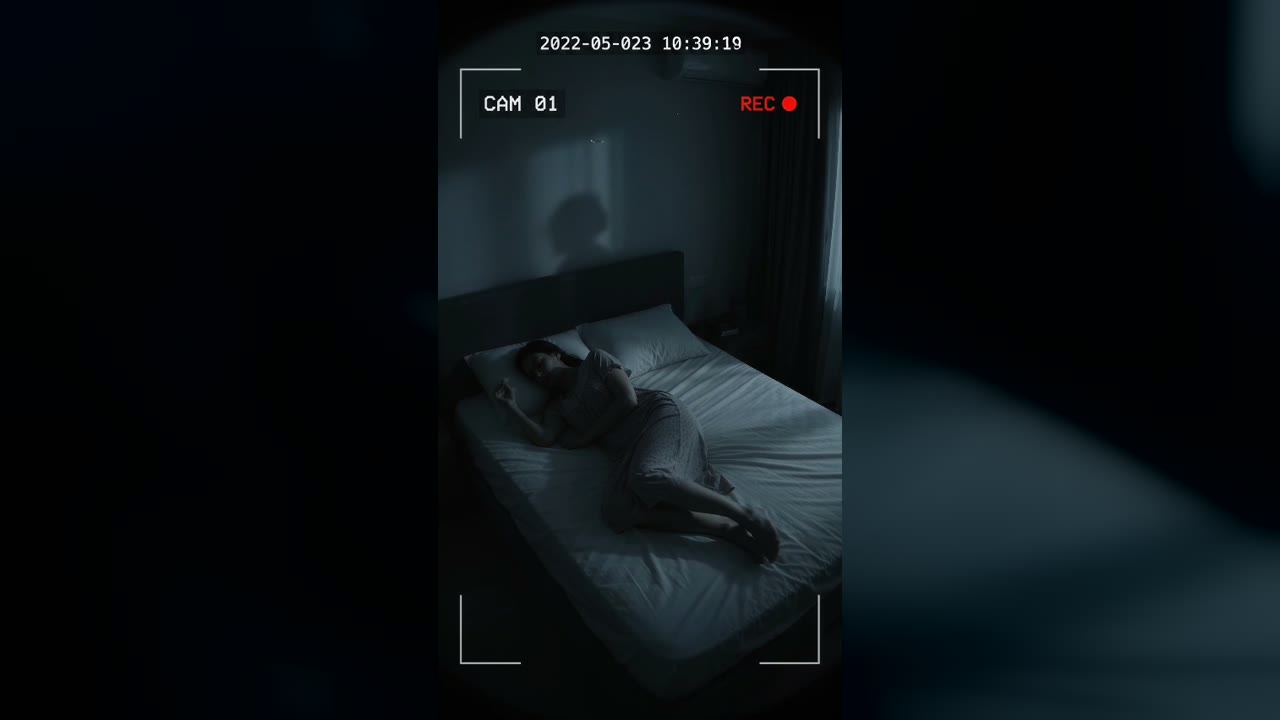
Bedroom Cam From 2022 Shows a Shadow Figure on the Wall Before the Feed Cuts to Static
Marlow Bend, Ontario, Canada · May 23, 2022 · 10:38 PM
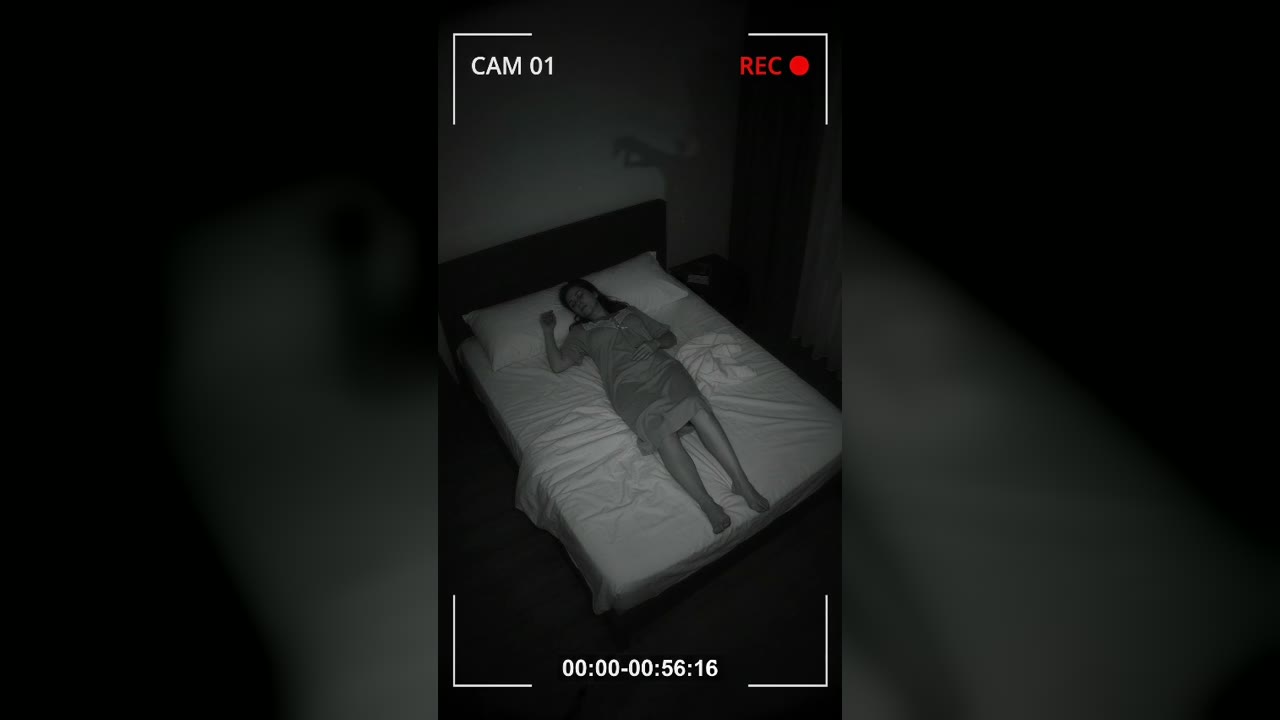
Bedroom Cam Records a Shadow Hand Above a Sleeping Woman's Headboard
Halberd Creek, Oregon, USA · Aug 27, 2026 · 03:14 AM