Why Baby Monitors Pick Up Voices That Are Not There
Whispers on a baby monitor usually come from cross-talk, gain control, white noise or the app itself. Here is how each one works and how to secure your monitor.
A voice on the baby monitor at two in the morning is one of the most reported experiences we hear about, and one of the most upsetting. The nursery is quiet, the child is asleep, and the parent unit hisses out a syllable or a murmur that sounds almost like a word.
Nearly all of these have an ordinary source, and the source depends on what kind of monitor you own. This guide covers the two families of monitor, the handful of mechanisms that produce phantom sound, and the one scenario that you should rule out with real urgency.
Analogue and Wi-Fi monitors are different machines
Older and cheaper monitors are essentially small radio transmitters. The nursery unit broadcasts on a fixed channel, usually in the 2.4 GHz band or an older 49 MHz or 900 MHz band, and the parent unit tunes in. Some digital models use DECT, the same technology as cordless phones, which is more private but still local.
Wi-Fi monitors are cameras that stream over your home network to an app. The audio is compressed, sent to a server, and sent back to your phone. They can be watched from anywhere, which is both the selling point and the risk.
Each family has its own way of inventing voices. If you know which type you own, you can skip to the relevant sections.
Cross-talk on analogue units
Analogue monitors share their frequencies with other monitors nearby, cordless phones, some walkie-talkies, and in older bands, a range of other transmitters. If a household close by uses the same channel, your parent unit will happily pick up their nursery, their conversation in the next room, or a snatch of whatever is on their television.
This is why the "voice" is so often adult, calm, and speaking about nothing in particular. It is a neighbour, heard through a wall and a radio link, drifting in and out as the signal strength changes. Apartment blocks and terraced streets are where this happens most.
The check is simple. Change the channel on both units, if the monitor allows it, and see whether the voices stop. Turn the nursery unit off entirely and listen to the parent unit. If you still hear something, it is not coming from your nursery.
Automatic gain control
Every monitor with a microphone uses some form of automatic gain control. When the room is quiet, the amplifier turns itself up to catch faint sounds. When the room is loud, it turns itself down.
In a silent nursery the gain climbs to maximum, and at maximum the microphone picks up everything: the fridge two rooms away, a pipe ticking as it cools, the wind at the window, the electronics' own hiss. Turned up that far, ordinary background noise starts to have rhythm and pitch, and the human ear is very good at hearing speech in rhythmic noise.
The tell-tale sign is that the "voice" is quietest when your baby is making sound and loudest in total silence. That is the gain control at work. Many monitors let you set a sensitivity threshold so that the parent unit only transmits above a certain level. Raising that threshold removes most phantom whispering.
White-noise machines and plumbing
If there is a white-noise machine, a fan or a humidifier in the nursery, the monitor is compressing a constant broadband hiss. Compression algorithms are designed for speech, and when fed hiss they produce a warbling, tonal residue that sounds uncannily like someone murmuring under a blanket.
Plumbing does something similar. Water moving through pipes in a wall produces low gurgles and taps that come in phrases, with pauses between them. Through a gain-boosted microphone and a small speaker, those phrases are easy to read as a voice with a cadence.
Switch off the white-noise machine for one night and see if the murmur goes with it. If the sounds come at the same time each night, check whether that matches a heating cycle, a neighbour's shower, or a water tank refilling.
Two-way talk triggered by accident
Most Wi-Fi monitors have a talk-back feature. Press and hold a button in the app and your voice plays out of the nursery camera. It is meant for soothing a child without going in.
It is also very easy to trigger by accident. A phone in a pocket, a toddler playing with a tablet, a partner opening the app to check on the baby and brushing the button. The result is a fragment of a real voice, sometimes just breathing or the rustle of a pocket, coming out of the nursery speaker. If the parent unit or a second phone is listening at the same time, that fragment is picked up and relayed straight back.
Check the app's activity log if it has one. Check who else has the app installed. Ask them, without accusation, whether they opened it that night.
Notification clips that cut mid-sound
Wi-Fi monitors send short clips when they detect noise. These clips are trimmed automatically, often to a few seconds, and they begin a moment before the trigger and end abruptly when the sound level drops.
A door closing in the hallway, cut off mid-thump, plays back as a sharp bark. A cough truncated at the tail sounds like a word. The compression that keeps the clip small also removes the low and high frequencies that would let you recognise the sound as ordinary.
Do not judge a sound from the notification clip. Go into the timeline or continuous recording, if your monitor has one, and listen to the ten seconds either side. Most "voices" become a door, a cat, or a sibling turning over in the next room.
The one explanation that matters: someone else on the feed
Everything above is benign. This is the exception. If a Wi-Fi monitor is on a default password, has not been updated, or has been exposed to the internet through a port-forwarding rule, it is possible for a stranger to watch and, through the talk-back feature, to speak.
This is rare, but it has happened, and it is the reason a voice on a Wi-Fi monitor should be checked seriously rather than laughed off. The signs are different from the artefacts above: the voice is clear, it responds to what is happening in the room, and it comes from the nursery speaker rather than the parent unit.
Secure the monitor now, regardless of whether you suspect anything:
- Change the account password to something long and unique, and turn on two-factor authentication if the app offers it.
- Update the camera's firmware through the app, then check again in a month.
- Change your Wi-Fi router's admin password if it is still the default printed on the sticker.
- Remove any port-forwarding or UPnP rules pointing at the camera.
- Check the app's list of logged-in devices and sign out anything you do not recognise.
- If you cannot do the above, unplug the camera and use a non-Wi-Fi monitor.
Working through it
Start by identifying what kind of monitor you have. Then eliminate cross-talk, gain, white noise and accidental talk-back in that order, because they are cheap to test. Save the notification clip if there is one, but do not treat it as the full recording.
If the voice was clear, responsive and came from the nursery end, secure the device before you do anything else. That possibility deserves more attention than any of the case files on this site, which are dramatised for entertainment. A baby monitor is a microphone in your child's room, and the mundane risks deserve the same caution the spooky ones get.
Tags: baby-monitor, audio, voices, wifi-security. Some gear boxes link to store searches; if an affiliate tag is configured we may earn a small commission at no cost to you. Recommendations are not paid for.
More guides
Doorbell Cameras and Phantom Motion Alerts: What Triggers Them
Sep 4, 2026
How to Export and Keep Original Footage So It Holds Up
Sep 3, 2026
Best Baby Monitors with Night Vision and Recording
Sep 2, 2026
Now apply it to a real clip
Archive →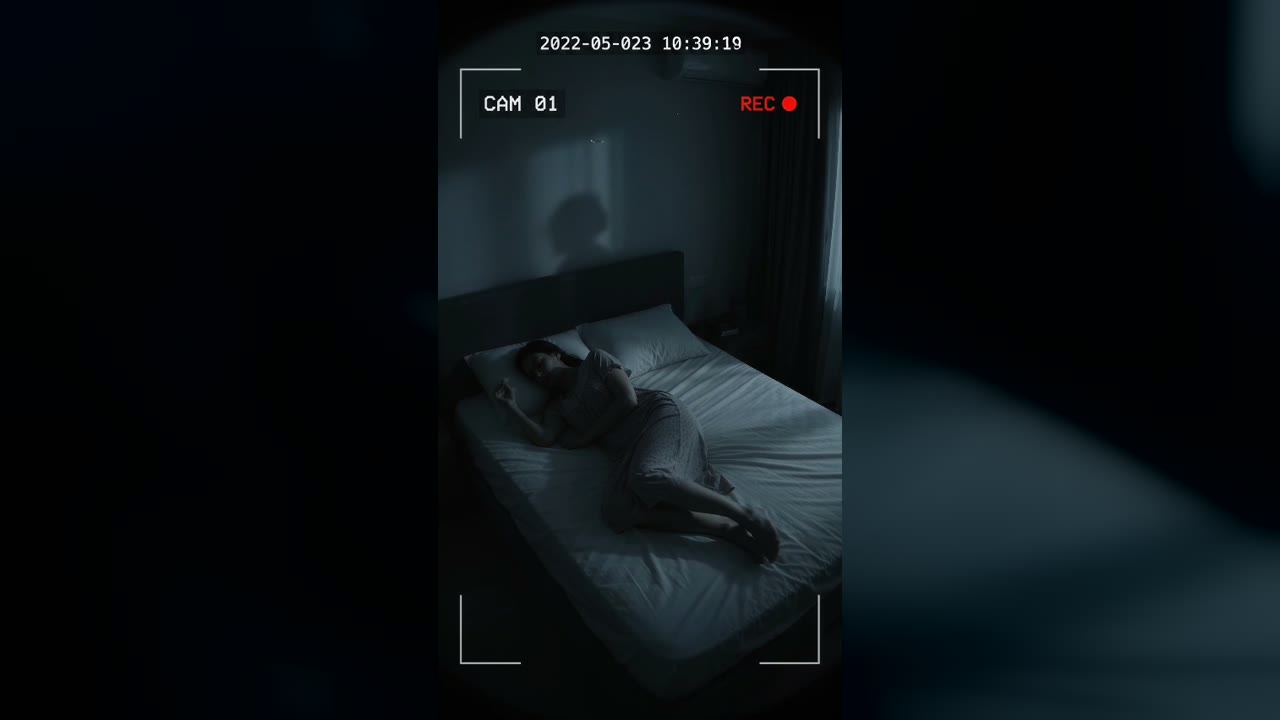
Bedroom Cam From 2022 Shows a Shadow Figure on the Wall Before the Feed Cuts to Static
Marlow Bend, Ontario, Canada · May 23, 2022 · 10:38 PM
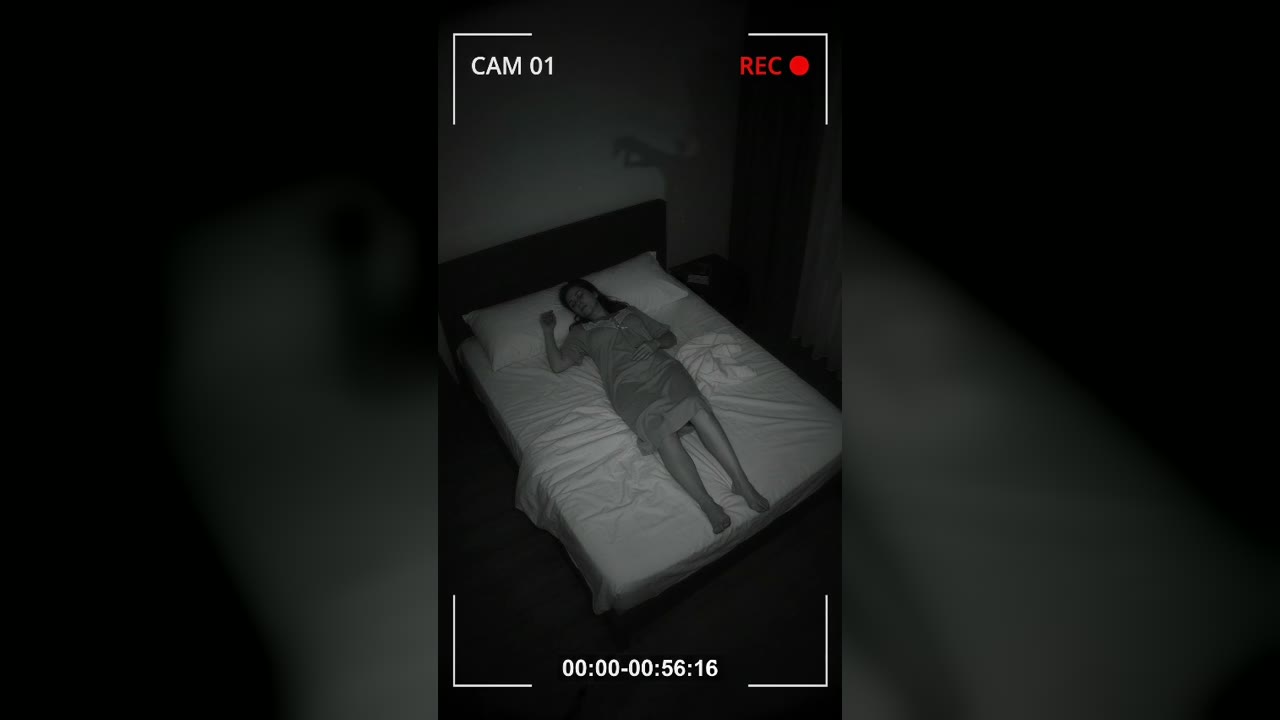
Bedroom Cam Records a Shadow Hand Above a Sleeping Woman's Headboard
Halberd Creek, Oregon, USA · Aug 27, 2026 · 03:14 AM